Takes No. 015
LinkedIn now shows every post in one table. Here’s which numbers to watch
LinkedIn's new table puts every post's numbers in one list. Here is which ones a founder should watch, and a ten-minute check to run once a month.
What happened
On November 3, LinkedIn began rolling out a Post Performance Table. Social Media Today reported that it puts each post’s details and key numbers in one list, so you no longer open the analytics for every post one by one. Net Influencer adds that the table covers impressions, members reached, video views and watch time, followers gained, reactions, comments, reposts, saves and sends. It can be exported, and it is rolling out worldwide on desktop first, with mobile to follow and no date given.
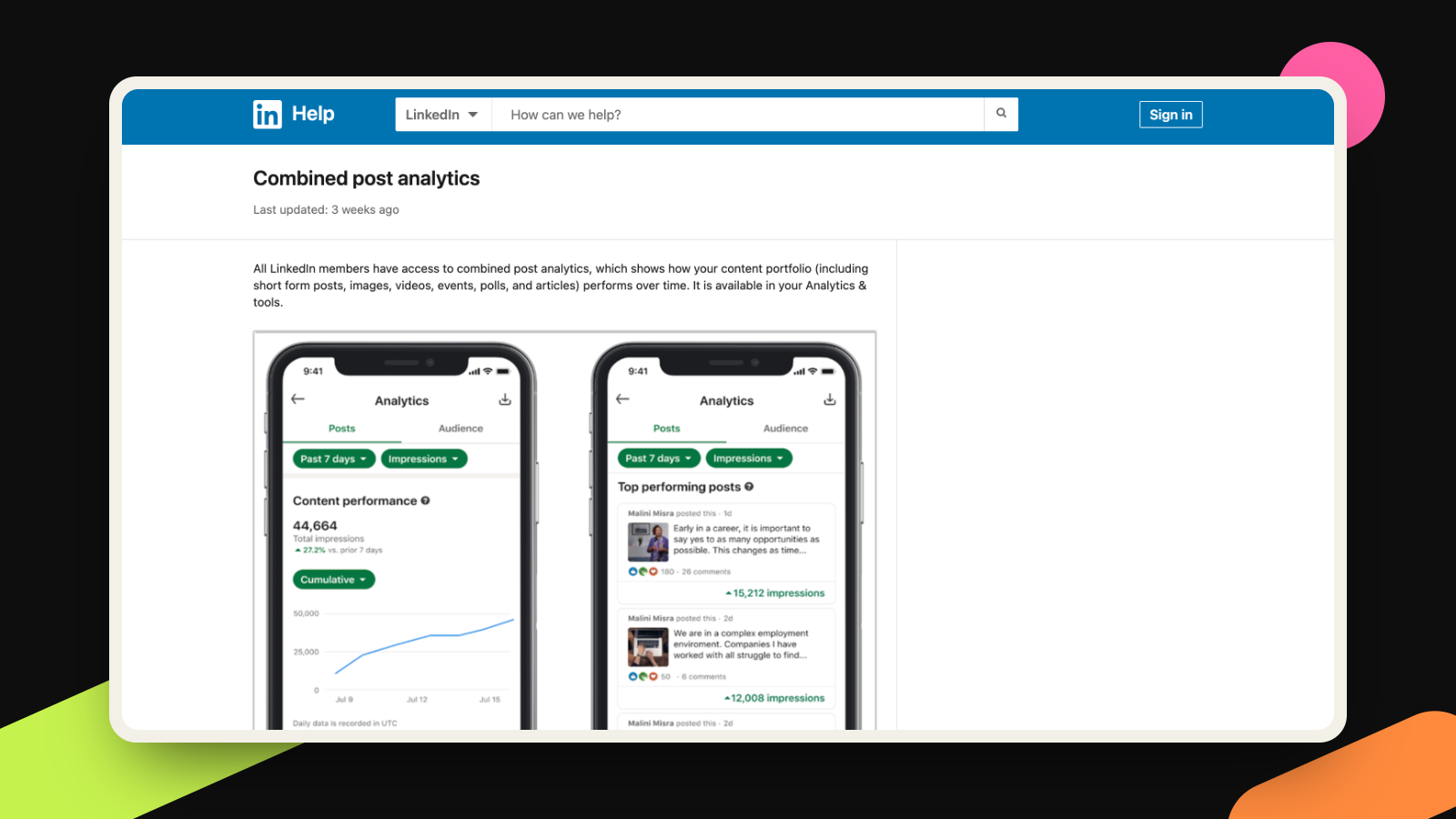
You can also see which members followed you after a given post, with their profiles, not just a count. LinkedIn’s own help page for combined post analytics describes where to look: open the analytics section, find “Most recent posts performance” and click “Show all posts”. The page says the feature is desktop only for now and reaches accounts gradually, so it may not be on yours yet.
What it means for you
I like this update because it makes a monthly look at your numbers something a busy founder will actually do. The risk is that a table with ten columns pulls your eye to the biggest number, and the biggest number is impressions. LinkedIn’s help page defines an impression as the number of times a post was displayed on screen, and adds that the figure “is an estimate and may not be precise.” That includes the scroll-by. In June, Net Influencer quoted LinkedIn’s director of creator products warning that leaning on top-line reach can lead you “down a dead end.”
Saves and sends are a different kind of number. The help page counts a save when a member saves your post, and a send when a member sends it to others on LinkedIn. Each one is a person deciding something: keep this for later, or pass it to a colleague.
I went looking for proof that LinkedIn ranks saves and sends above everything else, and I did not find it. LinkedIn’s March engineering post on its rebuilt feed names long dwells, likes, comments and shares as the actions its ranking model learns from. Saves and sends do not appear in it. Plenty of blogs claim a save is worth several likes, but those figures come from outside analyses, not from LinkedIn, so I am leaving them out. My case is simpler. For a founder, a send is the closest thing to a private recommendation that you can see, and a save is someone planning to come back. Neither needs a public reaction, which is why I trust them more than a count of people who scrolled past.
Two other columns earn a look. Out-of-network share is the percentage of impressions from people who do not follow you and are not connected to you; LinkedIn says those come through feed recommendations, reshares and search. And the new follower profiles show whether the people arriving are the people you hoped for. Watch time matters only if you post video.
That is the quiet link to personal branding. A founder’s profile works when the right people understand what you do, and a bigger number does not prove that. Our guide to founder headlines covers the other half: what a stranger reads after they find you.
What to do this week
Set a ten-minute slot once a month, on a computer. This is my own routine, not a LinkedIn feature.
- Two minutes: open your combined post analytics, go to the full list of posts and, if the export option appears for you, download the file so you have a record to compare next month.
- Two minutes: mark your three posts with the most impressions. Then pick the three with the most saves and sends added together, and note how many posts made both lists.
- Two minutes: reread the most saved or sent post and write one line on why someone would keep it or forward it. It might be a checklist, a story, a number or a template.
- Two minutes: for those posts, check the out-of-network percentage and the new followers. Open a few profiles and ask whether they are the people you want to reach.
- Two minutes: plan next month’s posts, with one more on the idea people saved or sent and one new idea to test.
If you only post a few times a month, the counts will be small. Treat three saves as a hint to try again, not as a result.
A profile that says plainly what you do is the piece of this we help founders with, as part of our personal branding work.
More takes
All takes