Takes No. 016
ChatGPT can now save your reference images. Think twice before it draws your logo
ChatGPT Images 2.6 can remember your brand photos between chats. The new SVG export makes an AI-made logo look easy, and that part has costs.
What happened
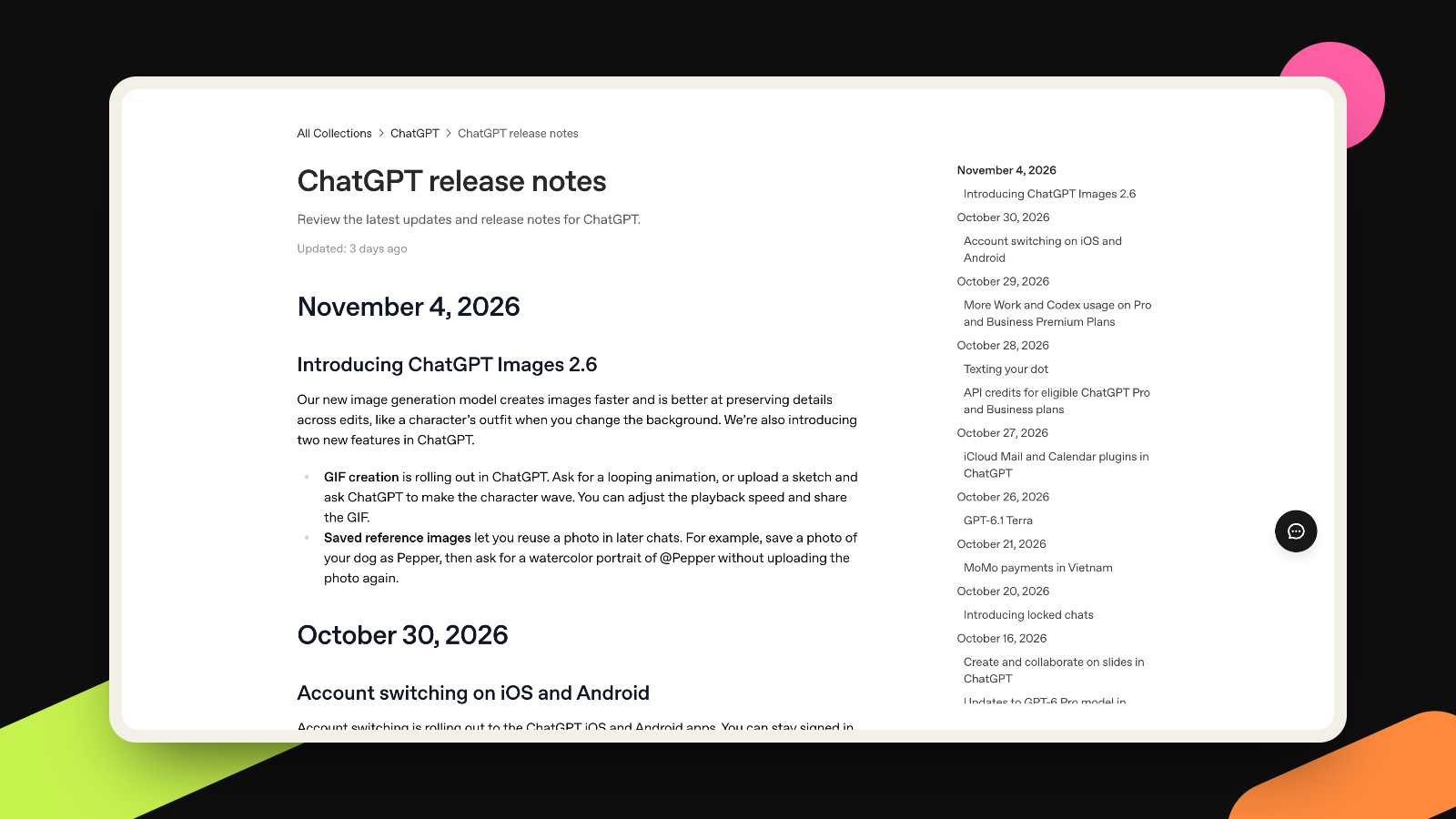
On November 4, OpenAI released Images 2.6 in ChatGPT, Codex and its API. It makes pictures 50% faster than before and, OpenAI says, keeps details steadier from one edit to the next. The announcement mentions characters, products and brand details staying consistent as you edit.
ChatGPT gets two new features, according to OpenAI’s release notes. GIF creation is still rolling out: you ask for a looping animation and can change its speed. Saved reference images let you upload a photo once, give it a name, and call it up in later chats by typing @ and the name. OpenAI’s own example is a dog photo saved as Pepper, then a watercolor portrait of @Pepper, with no second upload. The Help Center article describes this for photos.
Developers get two models in the API. GPT-Image-2.6 Flare is the fast one, and Sunburst is for more detail and consistency across edits. OpenAI’s developer guide says both can output SVG, a vector file format used for logos and icons. That is an API feature only: the ChatGPT release notes and Help Center page don’t mention it. The guide adds that SVG works when creating a new image, not when editing one, and that the model first makes a reference picture and then writes the SVG from it.
What it means for you
The saved references are the part I’d try first. Small brands using image AI struggle with sameness: the mug looks a little different every time, and the founder looks like a cousin of the founder. Keeping real photos on hand, one @ away, goes at that problem directly. I haven’t tested it with a logo or a full brand kit, and nothing in OpenAI’s pages promises exact color matches, so I’d treat it as a good starting point and not a brand guideline. It also pairs with something we covered last month: Gemini learning your brand style from your website. Gemini reads your site, and ChatGPT remembers your pictures.
The SVG export is where I’d slow down. OpenAI’s guide shows two bakery logos made from one prompt, and I can see how a founder looks at that and thinks, free logo. Here is what it can cost.
First, it may not be one of a kind. OpenAI’s Terms of Use, effective January 1, 2026, say output may not be unique and other users may receive similar output. A logo is supposed to tell people it’s you. The USPTO says likelihood of confusion is the most common reason it refuses a registration, and marks don’t have to be identical to clash. Similar sound, look or meaning for related goods can be enough.
Second, it may be hard to protect. The same terms say you own the output “to the extent permitted by applicable law.” My reading is that OpenAI hands you whatever rights it has, but it can’t create rights the law doesn’t give. The US Copyright Office concluded in January 2025 that AI output is protected only where a human author determined enough of the expressive elements, and not by the mere provision of prompts. That report is more than 12 months old, but it is still the Office’s current position: its AI page lists no later change to it. So a logo that comes straight out of a prompt may leave you with little copyright to enforce if someone copies it. Trademark is a separate system. The USPTO says rights start when you use the mark with your goods or services, and that creative, unique marks are easier to protect. I couldn’t find USPTO guidance written for AI-made logos, so this is its general advice. It isn’t legal advice either, and a trademark lawyer should look at any mark before you build a business on it.
Third, a logo is more than a file. One SVG is one static drawing. A working brand also needs a small version for app icons, a one-color version, a stacked and a wide layout, and rules for color and spacing. It needs a reason too: what the mark should make a stranger feel about you.
What to do this week
- Pick three or four real photos: your product on a plain background, your own face if you are the brand, and one image that shows your style. Save each with a plain name like @Mug or @Founder. Save only photos of yourself or of people who agreed to it.
- Name the reference in every prompt and also write your colors as hex codes. The reference carries the look of the subject, but OpenAI doesn’t say it holds your exact palette.
- Test it: ask for the same scene three times, put the results side by side on your phone, and check whether the product keeps its shape and the text stays readable. If one image drifts, edit it instead of starting over, since the update is about keeping details through edits.
- Keep the original files in your own folder. The references live inside ChatGPT, and your brand shouldn’t depend on one app.
- If you already have a logo, keep it. If you don’t, treat anything an AI draws as a sketch. Search the USPTO’s trademark database for similar marks first, and ask a trademark lawyer before you print the mark on anything or file for it.
More takes
All takes