Takes No. 008
Gemini can now learn your brand from your website. Here’s how to get it ready
Google's new Gemini business page saves your brand style and reuses it in every visual it makes. It learns from what you upload, so the state of your website now matters a lot more.
What happened
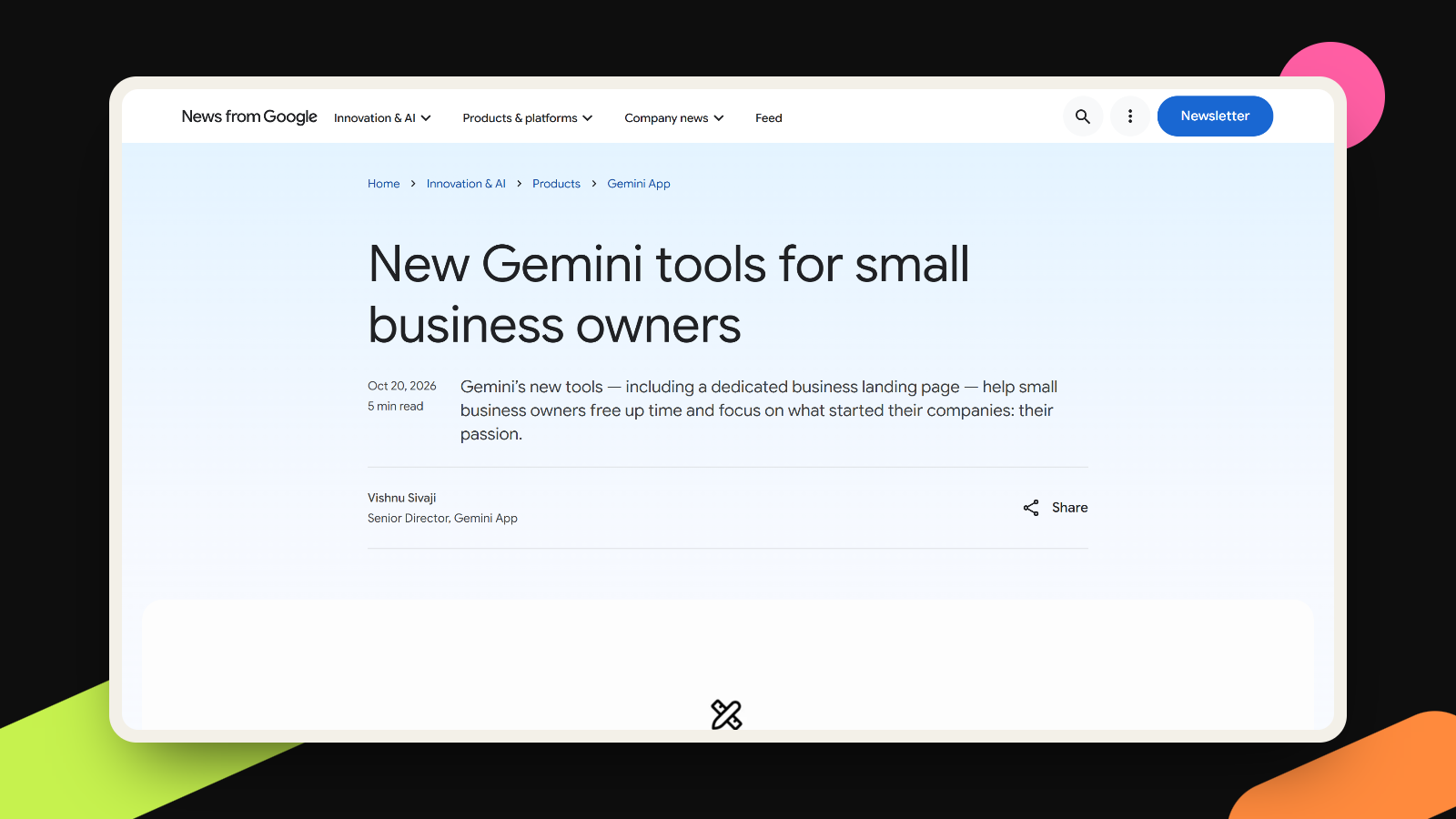
On October 20, Google announced a set of Gemini tools for small business owners, written up by Vishnu Sivaji, who leads the Gemini app. At the center is a new business landing page inside the app, a hub where owners can work on their brand, look at their finances and read customer insights. Google says tens of millions of small business owners already use Gemini, and the new page is rolling out globally to all Gemini app users over the coming days.
The part that caught my eye is brand style. Google says businesses can now define their brand style in Gemini by uploading their website, brand kit, fonts or color palettes. Gemini saves that style and applies it when it makes visuals with Nano Banana 2.1, Google’s newest image model, so you don’t upload your guidelines every time. The hub also connects to Google Business Profile, Google Ads and Workspace, plus outside apps including Adobe, Canva, Dropbox, Shopify, Wix, Zoho and Xero, and it can turn spreadsheets and receipts into finance charts. The post doesn’t say whether any of this needs a paid plan.
What it means for you
For most small companies, the style Gemini learns will come from the website, because that is the one brand file nearly everyone has. Plenty of founders have never had a brand kit. They have a site built in a hurry two years ago, a logo in three slightly different greens, and a homepage that sounds formal while their Instagram sounds like a group chat.
Until now, that mess stayed fairly contained. A designer would spot the odd green and quietly fix it. A tool that learns your style from what you upload works the other way, at least as Google describes it: it saves the style and repeats it in every launch graphic and campaign visual you ask for. A tidy site turns into tidy posts at speed, and a muddled one turns into muddled posts at the same speed.
I like this change, honestly. For years, brand guidelines sounded like something only companies with a marketing department needed. Now a free tool will read yours and act on them, which makes writing them down one of the most practical hours a founder can spend this month.
The connected apps deserve a calm look too. Linking Gemini to your Business Profile, ad account, store and accounting software puts a lot of your company in one place. Google’s post describes what the connections let Gemini do, but it doesn’t spell out the permissions each one asks for. Gemini’s own help page on connected apps says that, with your permission, it can also take actions like editing and managing your content in other apps, and that you can disconnect any app in settings at any time. So read the screen before you click allow.
What to do this week
- Write a one-page brand sheet before you upload anything: your colors as hex codes, your two fonts, three plain sentences on how you sound, and a short list of things you never do (stock photos of handshakes, say).
- Open your own website on your phone and compare it with that sheet. Fix the stray colors, the old logo in the footer and the page that still uses last year’s tagline. Gemini can only learn the brand your site actually shows.
- When the business page reaches your Gemini app, upload the sheet, your fonts and your palette along with the site, so Gemini has a clean reference next to whatever the site still gets wrong.
- Test it on something small, like one social post, and judge the result the way a customer would. Does it look like you, or like a template with your logo on it?
- Connect apps one at a time, starting with the ones that only need to read, like Business Profile. Leave anything that can spend money or change your store until you’ve seen how the tool behaves.
An AI can only copy a brand cleanly when the website says one clear thing, and that’s the kind of branding and website work we do.
More takes
All takes