Takes No. 005
Meta’s new terms let it crawl your website for AI. Here’s what to check before October 30
Meta's updated Commercial Terms, live October 30, let it crawl websites tied to business pages and use them to train AI. Here's what to check on your site.
What happened
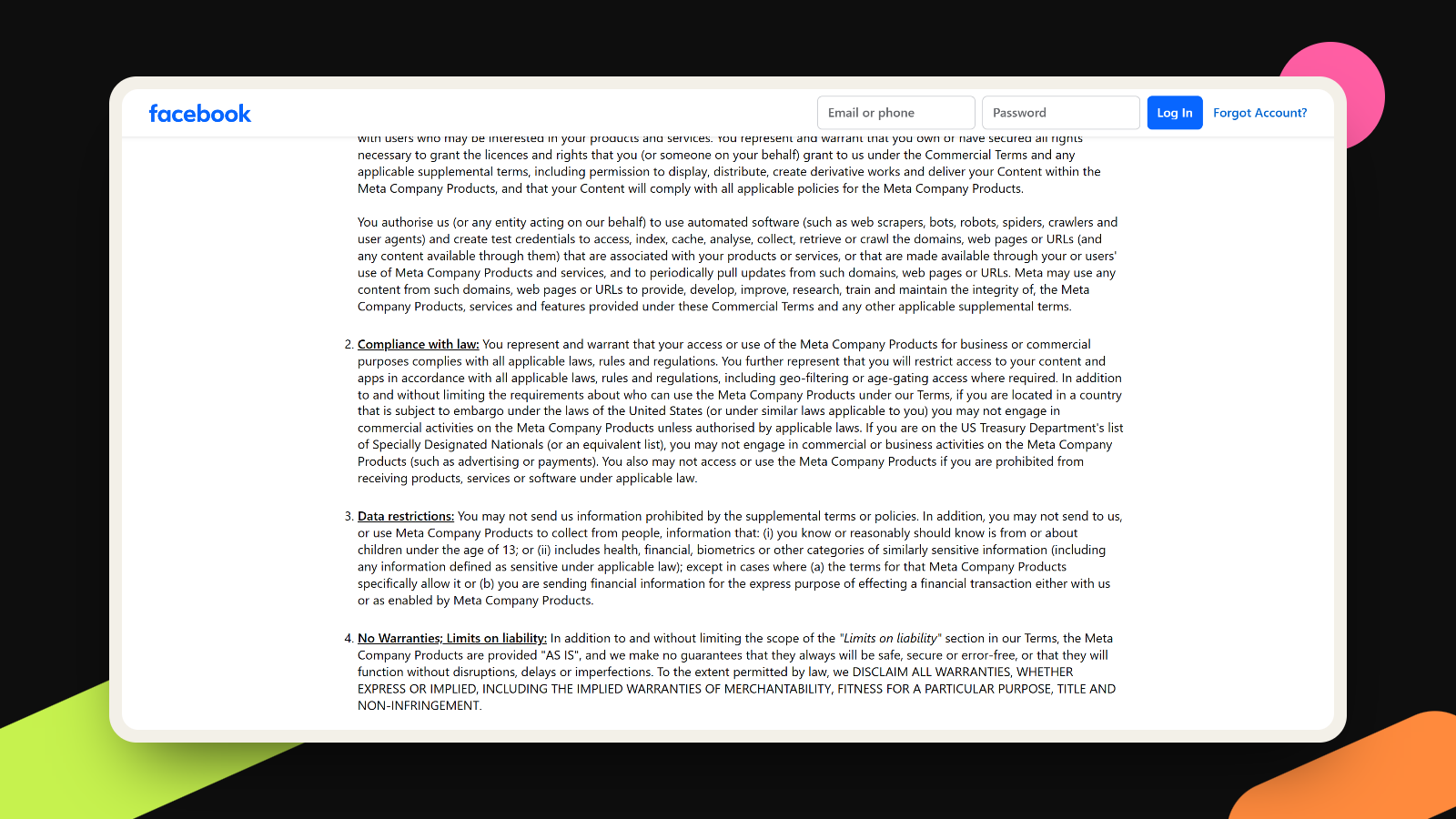
Meta is updating its Commercial Terms, the contract that covers anyone using Facebook, Instagram, WhatsApp or Messenger for business: pages, ads, the Business Suite dashboard. The new version takes effect on October 30, and it adds a paragraph I had to read twice. In it, a business lets Meta use “web scrapers, bots, robots, spiders, crawlers” to collect content from the websites “associated with your products or services,” keep pulling updates from them, and use that content to “develop, improve, research, train” Meta’s products. You can read the full clause in Meta’s preview of the updated terms.
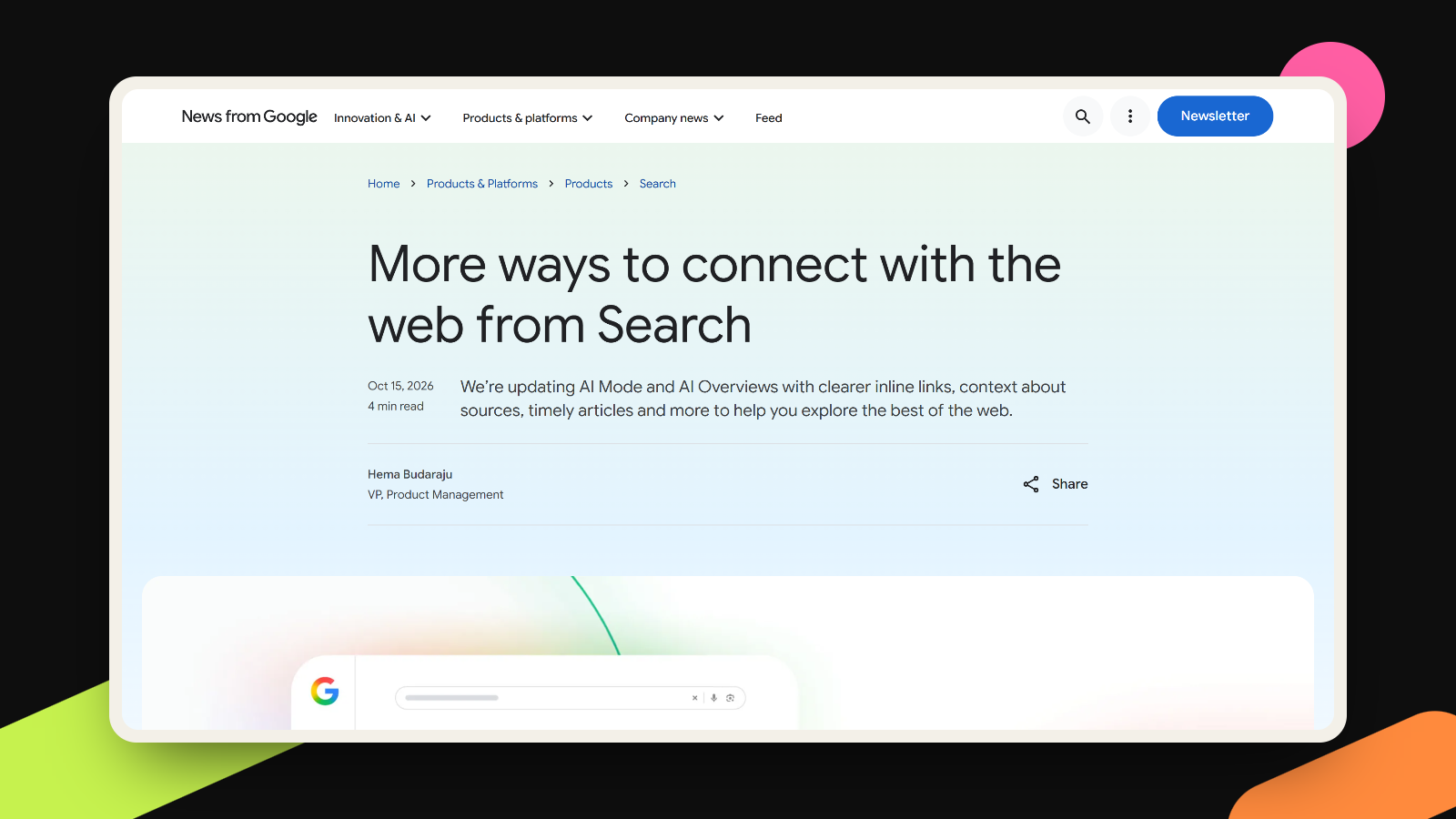
On October 15, Nieman Lab reported that three legal experts read the clause as broad enough to cover news sites and AI training. A Meta spokesperson told the outlet that the update gathers crawling language that used to be spread across older terms, that it won’t change how Meta crawls, and that “content owners can still manage how their content is accessed by using robots.txt.” The terms themselves don’t mention robots.txt, and the only way to refuse the clause is to stop using Meta’s products for business.
What it means for you
Most founders I know have a business page or an ad account and have never opened the Commercial Terms. That’s normal, and it’s also why this deserves ten minutes. If your Facebook page or Instagram profile links to your site, the clause as written seems to cover that site, your blog and your case studies.
The helpful surprise is that Meta already publishes a page listing its web crawlers, and it’s clearer than the contract. Meta-ExternalAgent is the crawler it uses “for use cases such as training foundation AI models.” Meta-WebIndexer crawls to improve Meta AI search, and Meta says allowing it “helps us cite and link to your content” in Meta AI’s answers. FacebookExternalHit builds the preview card when someone shares your link. Each one can be told what to skip in robots.txt, a small text file at the root of your site that bots read before they crawl. Meta does list two exceptions: the fetcher that opens a link because a user asked, and the preview crawler during security checks, may ignore it.
So there’s a real choice here, and I don’t think it has one right answer. A founder selling a service usually wants to be found and quoted, and blocking Meta AI search would be a strange way to protect a pricing page. A writer or a studio whose work is the product might feel very differently about training. Whether a contract can outrank robots.txt is a question for lawyers and, eventually, courts. What your robots.txt says today is a question you can answer this afternoon.
There’s a quieter lesson too. If anything on your public site would embarrass you as a sentence in an AI answer, such as an old price, a client you promised to keep private or a draft page someone forgot about, fix the page first, because a crawler can only repeat what you left out in the open.
What to do this week
- Open yoursite.com/robots.txt in a browser. If it’s empty or missing, nothing is being blocked, for Meta or any other bot.
- Decide crawler by crawler. If you want to stay out of AI training but still appear in Meta AI answers and link previews, ask your developer to block meta-externalagent and leave meta-webindexer and facebookexternalhit alone. Meta says crawlers can cache robots.txt for up to 24 hours, so changes take a day to apply.
- Look through your own site for pages that shouldn’t be public: old offers, test pages, client work you aren’t allowed to show. Unpublish them or put them behind a login. A robots.txt line is a polite request, while a password actually locks the door.
- Check which links sit on your Meta pages, ads and WhatsApp profile. Those are the clearest “associated” websites, and they should point to pages you’re glad to have read.
- If your site is your product (writing, courses, research), read the full terms before October 30 and talk to a lawyer if the clause is a deal-breaker. Leaving a platform your audience lives on is a big decision, and it shouldn’t be made from a headline, mine included.
If you’d like a second pair of eyes on what your site shows to people and to bots, that’s part of our website work.
More takes
All takes