Virtual Ring Try AI, AI ring try-on
See the ring before you buy it
An AI tool that shows any ring on your own hand from a single photo. We designed the logo and the site, wrote every word on it, and now write its SEO content.
The brief
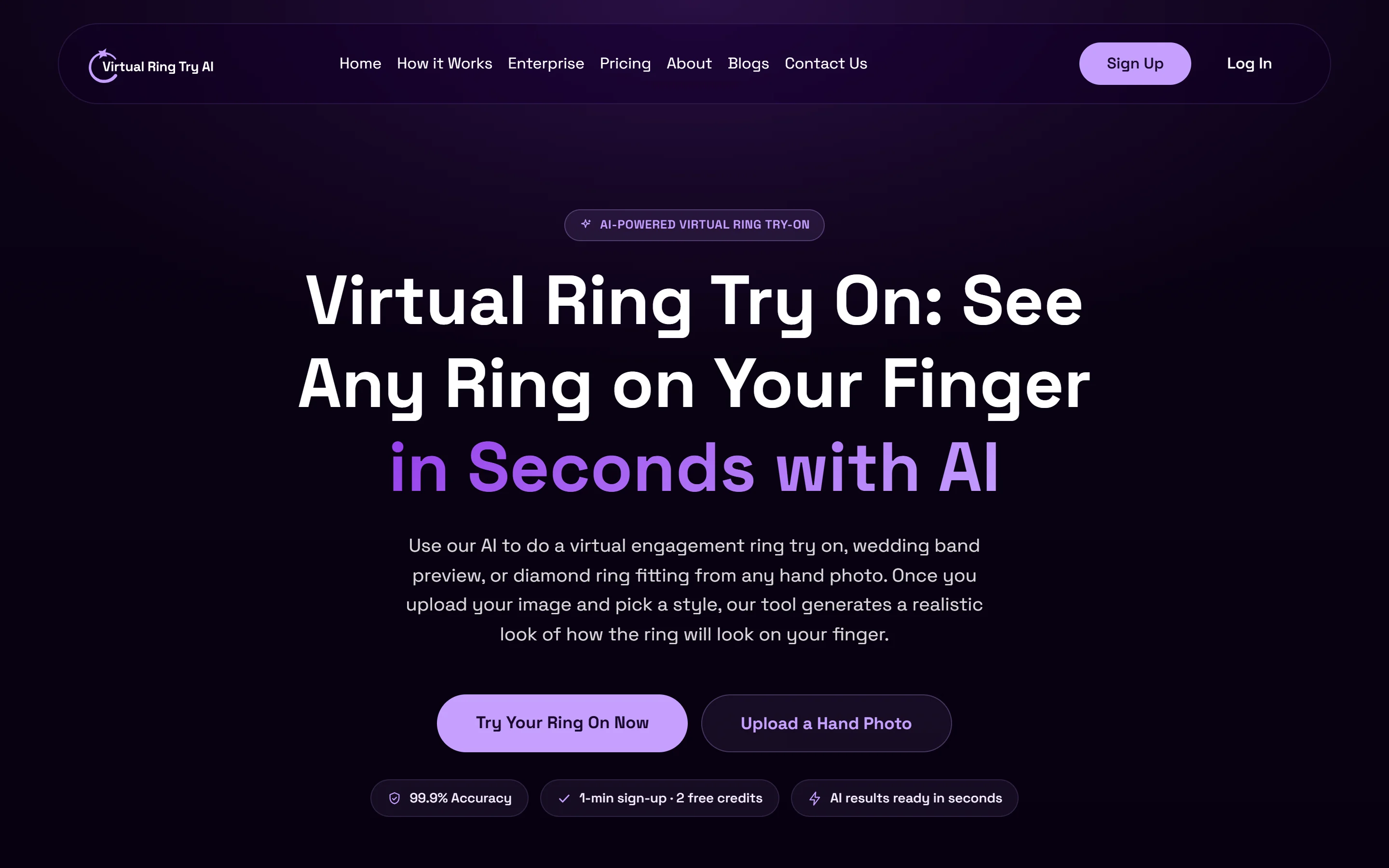
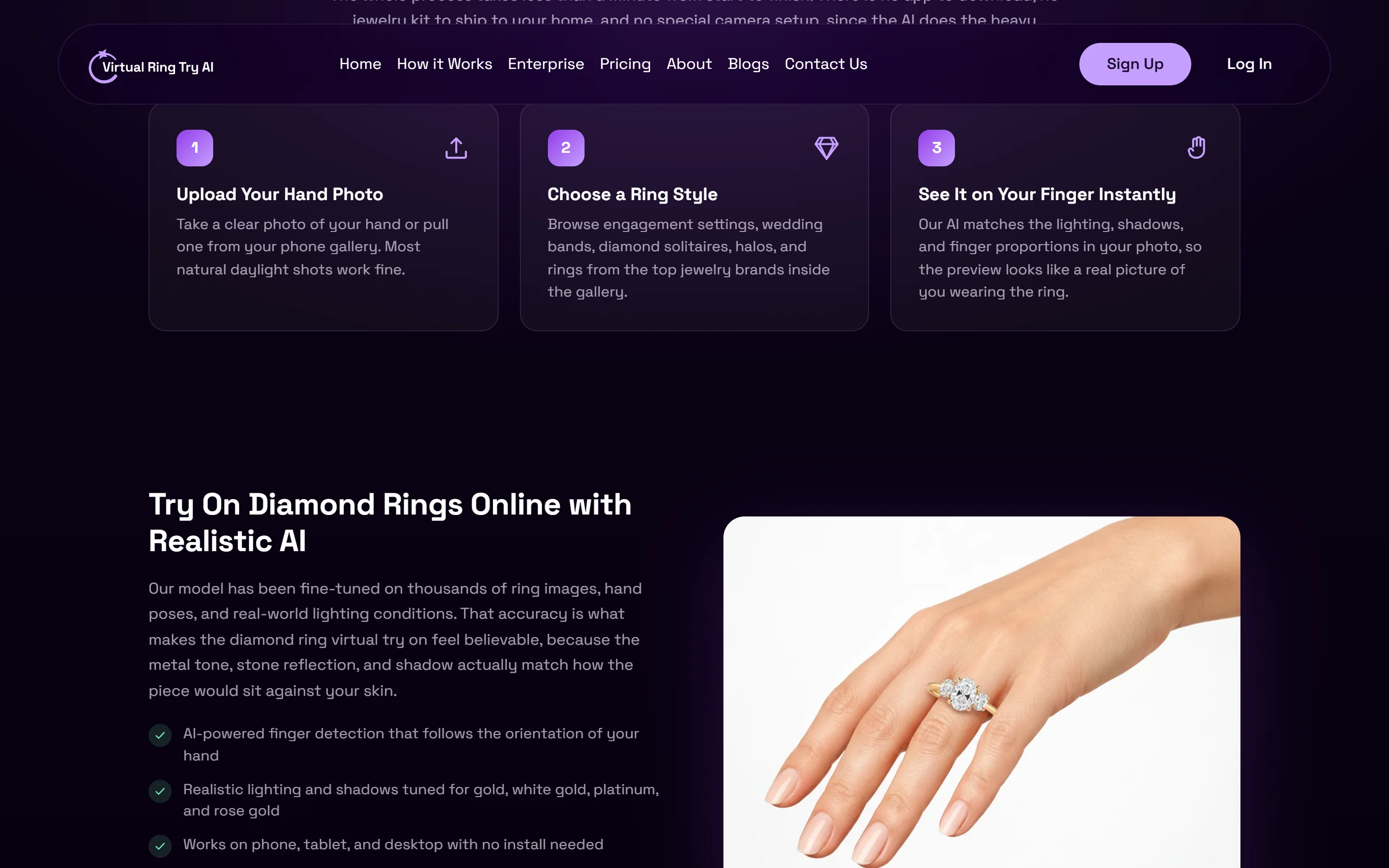
Virtual Ring Try AI lets you see a ring on your own hand before you buy it. You upload a photo of your hand, pick a ring, and a few seconds later the AI shows it on your finger, with the metal, the stone and the shadows matched to your photo.
People shopping for an engagement or wedding ring are careful buyers. It is a big purchase, often a surprise, and many of them start with a search like "try on engagement rings online". The site had to feel special enough for the moment, simple enough to use on the first try, and clear enough to show up for those searches.
What we did
We started with the logo: a ring drawn as one open, hand-drawn stroke, with a small star where the stone would sit. In soft lilac on deep purple, it reads as jewelry without looking like every jewelry store.

Then we designed the whole site in Figma. The try-on tool sits right below the headline, so the first thing you can do is the thing you came for: drop in a photo, pick a ring and see it on your hand.
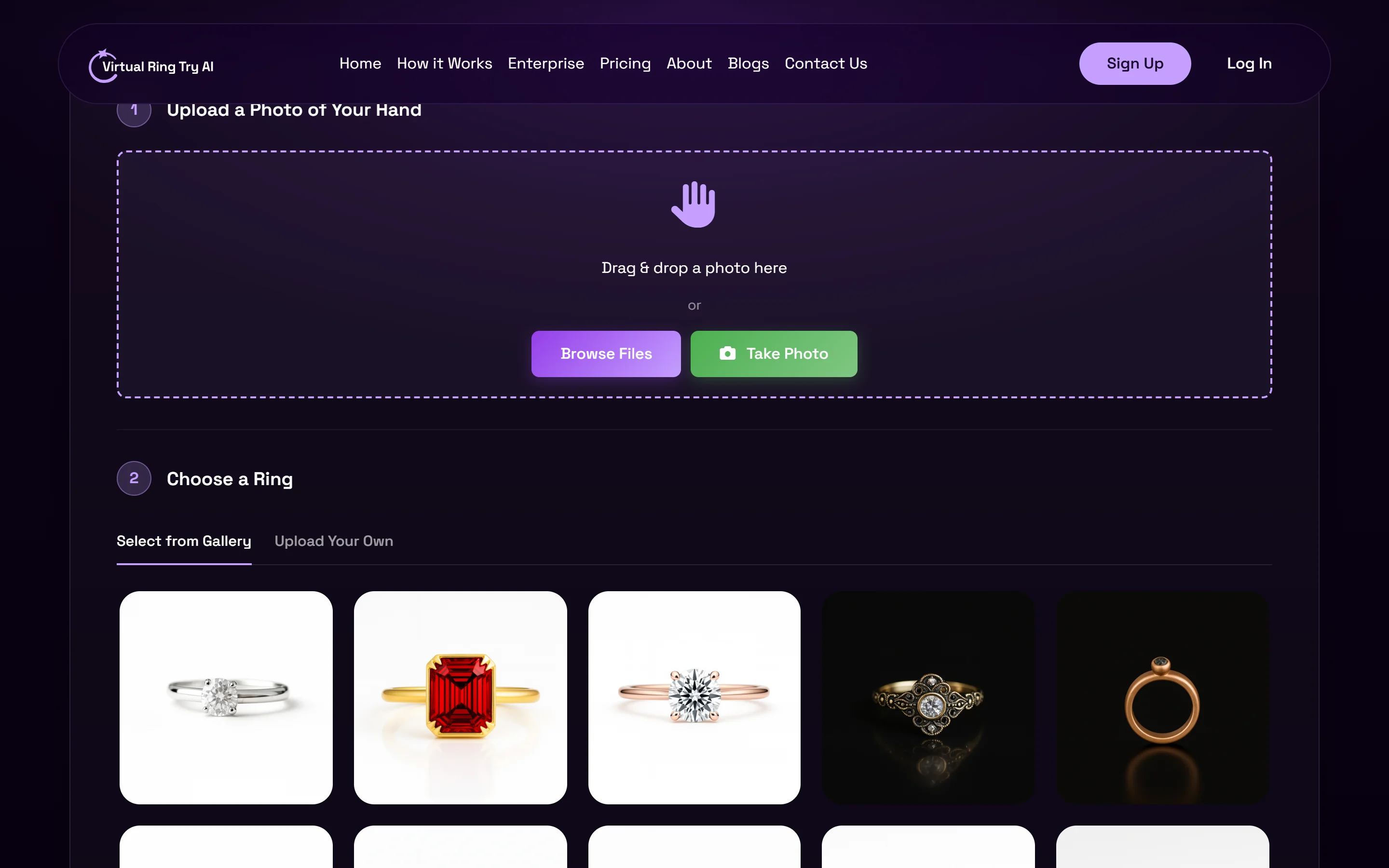
We wrote every word on the site. Each section answers something people already type into Google, from diamond rings to engagement styles, wedding bands and sizing, in plain language a first-time buyer can trust.
And the work keeps going. We manage the site's SEO content, writing the articles that bring in people looking for ring ideas and try-on help, so the site keeps growing after launch.
The approach, in numbers
- 3 steps from a photo of your hand to a ring on your finger.
- 4 jobs with one team: the logo, the Figma design, the website copy and the ongoing SEO content.
- 1 try-on tool, right below the headline, so trying a ring comes first.
More work
All projects