Takes No. 017
Google, Bing and ChatGPT are testing plain web links again. Rewrite your page titles first
Google, Bing and ChatGPT were each caught testing a search page with more links and less AI. They are only tests, but they point at two lines of text most small sites forgot about.
What happened
Within four days, three search products were caught testing a page that looks a lot like the old web: a list of links with titles and short descriptions, and less AI on top.
On November 13, SEO consultant Glenn Gabe saw a Google results page with no AI Mode tab and an AI Overview without the “Ask anything” box that usually invites a follow-up question. Barry Schwartz reported it at Search Engine Roundtable and noted he couldn’t reproduce the missing tab himself. It follows an earlier report of the AI Mode button disappearing from the Google homepage for some people.
On November 16, Schwartz wrote up two more. Bing is testing a “Web Mode” tab that strips out the Copilot answers and shows only web pages. He could see it in some browsers and doesn’t think it is fully live. The same day, three people posted screenshots of ChatGPT trying new search layouts: one showing only web results, one putting them first, and one where the AI answer stops at a “See more” button with links underneath. Schwartz couldn’t reproduce those either.
Google, Microsoft and OpenAI haven’t said anything about any of these. They are tests, and tests get dropped all the time.
What it means for you
I wouldn’t read this as the end of AI answers. I’d read it as three companies checking how much people still want a plain list of places to go, in the same week. That is worth knowing, because the list never left. A SparkToro study with Similarweb data, published in June, found that only 0.34% of US Google searches from January to April 2026 went to AI Mode. The same data says 68% of searches ended without any click, so the clicks that are left are worth fighting for. I’ll admit the AI Mode number surprised me. After a year of headlines, about one search in 300 went there.
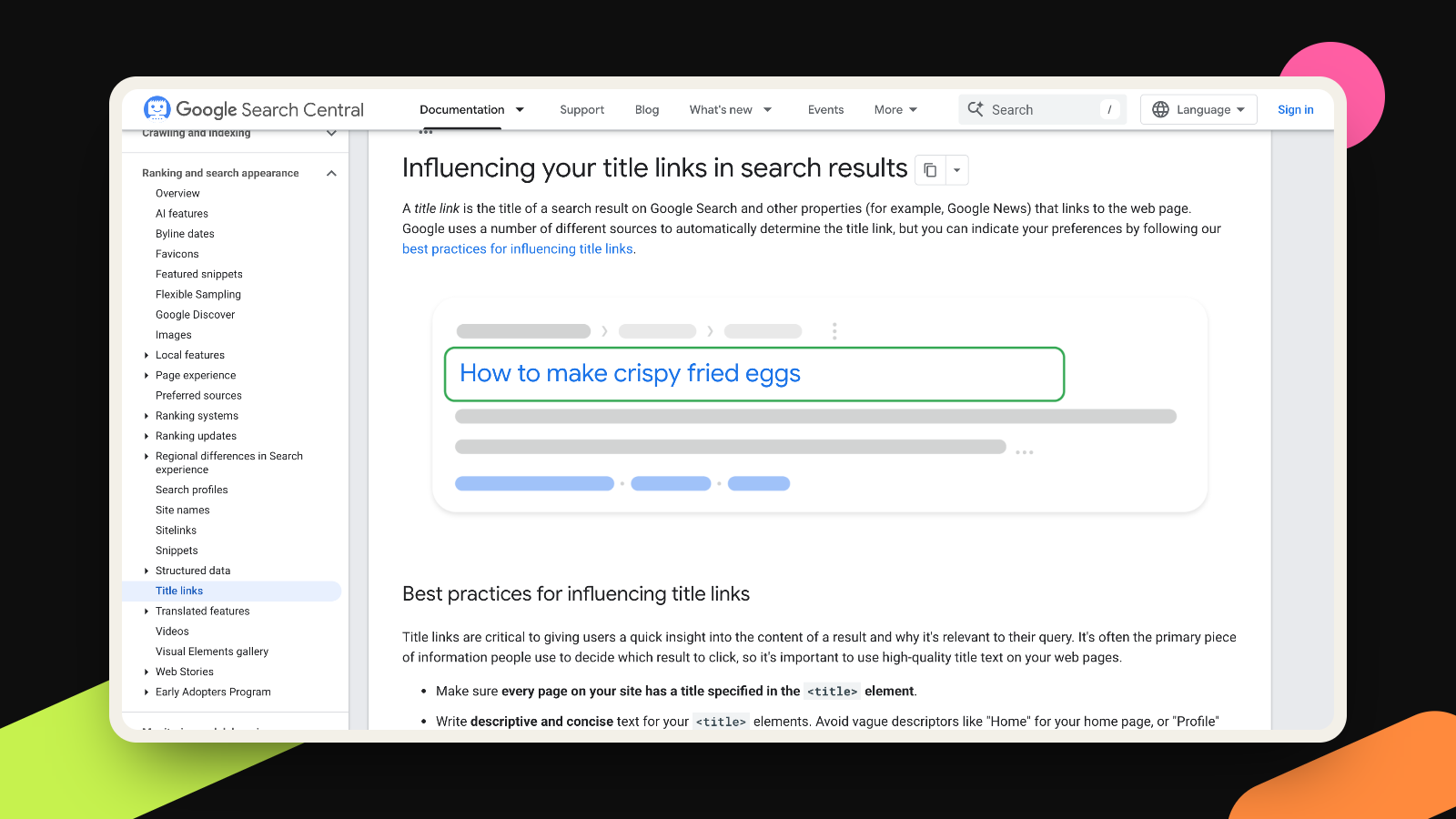
Every one of these tests puts more weight on two lines of text you wrote, maybe years ago, and probably forgot: your page title and your description. When the AI summary shrinks or gets cut short, those two lines are most of what a stranger sees before deciding whether to visit you. Google says as much in its own documentation: the title link is “often the primary piece of information people use to decide which result to click.”
Plenty of small business sites still have titles like “Home” or “Services | Company Name”, and that’s a weak pitch in a list of ten options. Google’s own guide to title links calls out exactly that: it asks for titles that are descriptive and concise, warns against vague ones like “Home”, and says boilerplate repeated across pages makes them hard to tell apart. Its snippet guide says Google builds the description mostly from your page content, and uses your meta description when it describes the page more accurately. It also says the same description on every page isn’t helpful.
So this is cheap work. It doesn’t need a new page, a budget or a tool. It also helps you in AI answers, because the AI products link to sources the same way: a title, a site name, sometimes a line of text. We wrote about that in October, when Google’s AI Mode started favoring official pages.
Before you start, a word on timing. Google’s November core update has been rolling out since November 10 and can take up to two weeks. If you change titles in the middle of it, you won’t know whether a traffic change came from you or from Google. Write them now and publish them once Google marks the update complete on its Search Status Dashboard.
What to do this week
- Open Google Search Console, go to Performance, switch to the Pages tab and sort by impressions. Your top 10 pages are the ones strangers see most.
- Search for each page on your phone and look at how it shows up. Read the title and description as if you had never heard of your company. Would you click it over the results around it?
- Rewrite the title so it says what the page offers and who it’s for, with your brand name at the end after a hyphen or a pipe, one of the formats Google suggests. “Website design for dentists in Austin – Brightside” beats “Services – Brightside”.
- Rewrite the meta description as one or two plain sentences about that specific page, with a concrete detail such as a starting price, a location or what someone gets. Make each page’s description different.
- Make sure the main heading on the page agrees with the new title. Google lists headings and the main visible title among the things it reads when it builds a title link, so it helps when they tell the same story.
- Keep the old and new versions in a simple sheet with today’s date. Publish the changes after the core update finishes, then compare clicks for the four weeks before and after.
More takes
All takes